VEX
Snippets, helpers, and workflow notes for Houdini VEX.
Detail Attribute From Relative Node Path
Access a detail attribute from another node without consuming an input.
// Acessing an attribute from a node relative to this network
// Useful if you run out of inputs
float scale = detail("op:" + opfullpath("../NODE"), "scale_amount", 0);
Normal Dot Ramp Mask
Build a ramp-driven mask from normal direction for top-surface scattering control.
// create a color from a vector and a dot product with a ramp
// useful for scattering points on the top surface of something
vector up = {0,1,0};
float dot = dot(@N, up);
v@Cd = dot * chramp("dotramp", dot);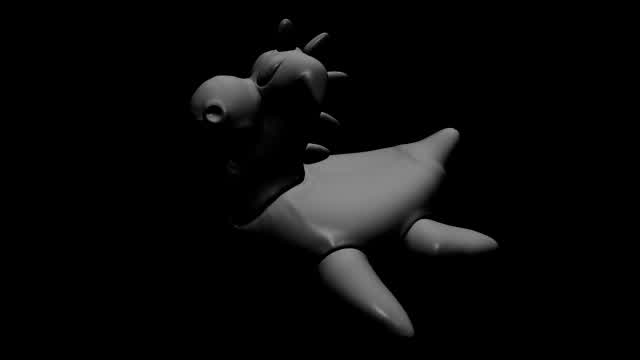
Volume Density Cull
Cull points using sampled density from a secondary volume/SDF input with a controllable threshold.
//remove points based of SDF denisty input of second wrangle input
// a float slider can control the falloff
float sample = volumesample(1, "density", @P);
if (sample < chf("remove")) removepoint(0,@ptnum);
Set Packed Intrinsic Transform
Rotate packed geometry using intrinsic transform with randomized per-point variation.
// Set intrinsic transform on packed geo
matrix3 xform = primintrinsic(0, "transform", @primnum);
float amount = chf("rotate");
amount -= rand(@ptnum);
vector axis = normalize({-1,0,0} * xform);

rotate(xform, amount, axis);
setprimintrinsic(0, "transform", @primnum, xform, "set");
Cd Levels Control
Apply levels-style controls to `@Cd` using black/white points and gamma.
//levels style controls for the @Cd attribute
float gamma = chf("Gamma");
float ShadowValue = chf("Black");
float HighlightValue = chf("White");
float OutShadowValue = chf("Out_Black");
float OutHighlightValue = chf("Out_White");
@Cd = pow(@Cd, (1 / gamma));
@Cd = ((@Cd - ShadowValue) / (HighlightValue - ShadowValue));
@Cd = (@Cd * (OutHighlightValue - OutShadowValue)) + OutShadowValue;
@Cd = fit01(@Cd, 0, 1);
HSV Adjustments
Adjust hue, saturation, and lightness on `@Cd` through HSV conversion.
// hsv adjustments
vector hsv = rgbtohsv(@Cd);
hsv.x+=chf('hue_offset');
hsv.y+=chf('saturation');
hsv.z+=chf('lightness');
vector rgb = hsvtorgb(hsv);
@Cd = rgb;
Scale Packed Prims Over Time
Animate packed primitive scale down over time with per-primitive random variation.
//scale down packed prims over time with randon values
float min = chf("Min");
float max = chf("Max");
vector randscale = fit01(float(rand(@primnum)), min, max);
vector outscale = 1 - (randscale * @Frame);
vector scale = clamp(outscale, 0, 1);
matrix3 trn = primintrinsic(0, "transform", @primnum);
matrix scalem = maketransform(0, 0, {0,0,0}, {0,0,0}, scale, @P);
trn *= matrix3(scalem);
setprimintrinsic(0, "transform", @primnum, trn);
Random Tangent Rotation
Apply random point rotation along a curve using tangent/up-driven orientation.
//random point roataion on a curve following tangent,
//requires up attribute that can be made from tangent in polyframe
vector dir= v@up;
@N=cross(dir,v@N);
matrix3 rotate= ident();
float radiansamount = fit01(rand(@ptnum),0,1000);
rotate(rotate,radians(radiansamount),dir);
@N*=rotate;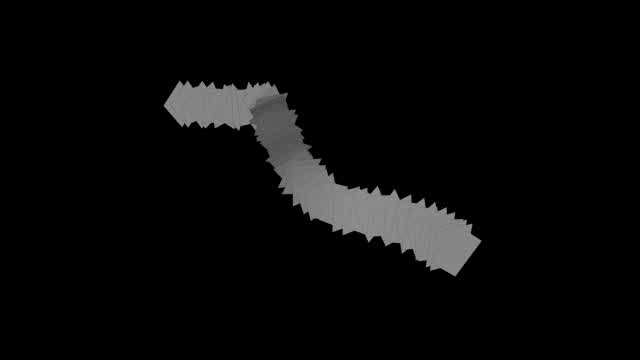
Liquid Crown Vector Setup
Build tangent-driven normal rotation and ramp-shaped velocity for liquid crown style motion.
//create liquid crown effects from vectors
@N = set(0,1,0);
v@tangentV = set(0,1,0);
int numpoints = npoints(0);

if (@ptnum != numpoints-1) {
    v@tangentV = normalize(point(@OpInput1, "P", @ptnum + 1) -@P);
    } else {
    v@tangentV = normalize(point(@OpInput1, "P", 0) -@P);
    }
//rotate normals around tangentV
matrix ref = ident();
float angle  = radians(ch("angle"));
rotate(ref, angle, v@tangentV);
@N = @N * ref;
//create velocity shape
float npoints = @ptnum / float (@numpt) * ch("Frequency");
float rampMult = chramp("Ramp_Mult", npoints, 0);
@N *= pow(rampMult * ch("General_Mult"), ch("Exponent"));
@v = @N;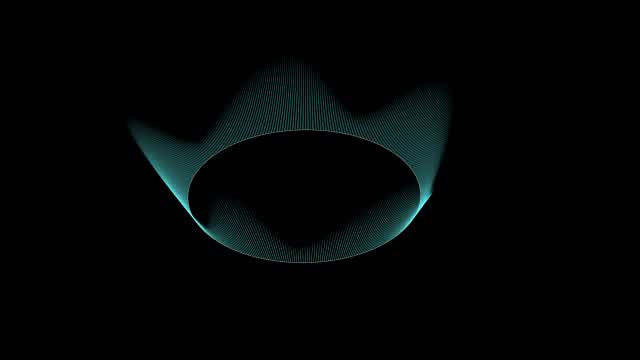
Random 180 Rotations
Add randomized 180 degree orientation offsets to points using quaternions.
//add random 180 rotations
float randomy = fit01(rand(i@ptnum+1), (-100), 100);
float randomyint = rint(randomy);
float y = (@ptnum+randomyint)*180;
vector rotDegree = set(0,y,0);
vector4 rotQua = eulertoquaternion(radians(rotDegree ), 0);
p@orient = qmultiply(p@orient, rotQua);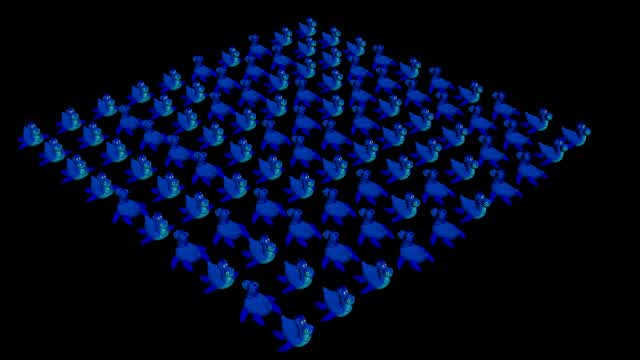
Two-Part Array Transfer (Detail to Points)
Create a point array in detail mode, then read and iterate it in point mode.
//create array from all points - run in detail
int pts[] = expandpointgroup(0,"");
i[]@pts = pts;//run over the array in point mode
int importarray[] = detail(1, 'pts');
foreach(int i; importarray) {
if (@ptnum-1==i) {
@id = i;
}
}VEX Attribute Transfer With Random Radius
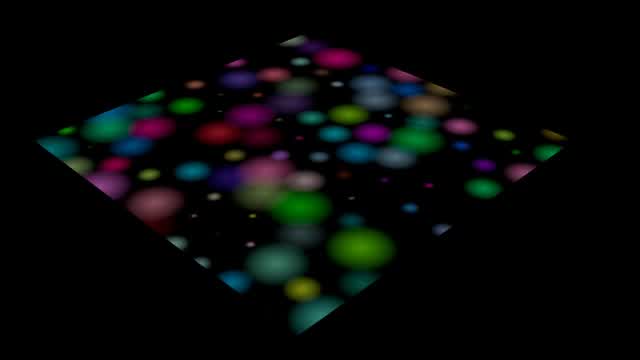
Point-based color transfer from input 1 with randomized influence radius per source point.
//vex equivilent of attribute transfer from input 1
//inclues random radius
vector pos, col;
int pts[];
int pt;
float d;

pts = nearpoints(1,@P,40);  // search within 40 units
@Cd = 0;  // set colour to black to start with

foreach(pt; pts) {
    pos = point(1,'P',pt);
    col = point(1,'Cd',pt);
    d = distance(@P, pos);
    d = fit(d, 0, fit01(rand(pt), chf('min_rad'), chf('max_rad')), 1,0);
    d = clamp(d,0,1);
    @Cd += col*d;
}
Align Geometry To Input Normal
Rotate geometry by aligning a reference vector to a normal sampled from input 1.
//rotate geometry based on normal
// Point with normal from second input to align
vector to = point(1, 'N', 0);

// Align "from" normal to the following vector
// Adjust this depending on orientation
vector from = {0,1,0};

// Calculate the rotation matrix using dihedral
matrix3 m = dihedral(normalize(from), normalize(to));

// Apply the rotation to the geometry
@P = @P * m;
@N = @N * m;
Anti-Aliased Flow Noise
Use `vop_fbmFlowNoiseVV` for stable flow noise and remap to display-friendly color.
//anti-aliased flow noise in VEX
//more functions can be found here
// C:\Program Files\Side Effects Software\Houdini 19.0.455\houdini\vex\include\voplib.h
#include <voplib.h>
vector noise = vop_fbmFlowNoiseVV(@P * chv("freq") - chv("offset"), ch("rough"), chi("maxoctave"), ch("flow"), ch("flowrate"), ch("advect"));
noise *= ch("amp");
v@Cd = noise+0.5;
Random Threshold Point Removal
Cull points randomly using a seed and threshold control.
//remove random points based on threshold percentage
if ( rand(@ptnum+chf('seed')) > chf('threshold') ) {
    removepoint(0,@ptnum);
    }
Noise Spots Mask
Create spot-like color masks from thresholded noise.
//adding spots with noise
#include <voplib.h>
float threshold = chf('threshold');
vector4 pos = set(v@P.x, v@P.y, v@P.z, 0);
vector noise = vop_fbmNoiseFP(pos*chf('frequency'), chf('roughness'), 8, 'noise')*chf('amplitude');
float float_noise = fit(noise.x, -0.5, 0.5, 0, 1);
if (float_noise<threshold) {
    float_noise = 0;
    }

if (float_noise>threshold) {
    float_noise = 1;
    }

@Cd+=float_noise*chf('mix_amount');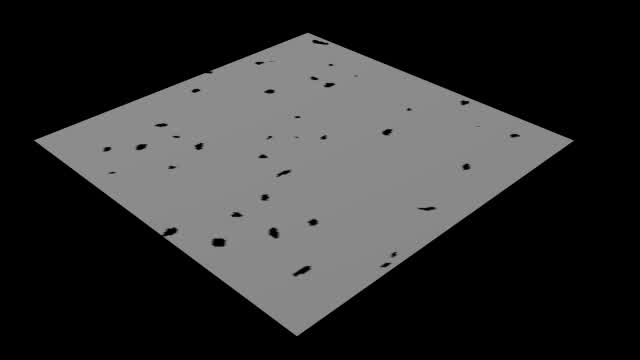
Closest Point Distance (Self)
Measure distance to the nearest other point on the same input.
//measure distance to closest point (self)
int pts[] = nearpoints(0, @P, 1, 2);
int pt = pts[1];
@dist = distance(@P, point(0, 'P', pt));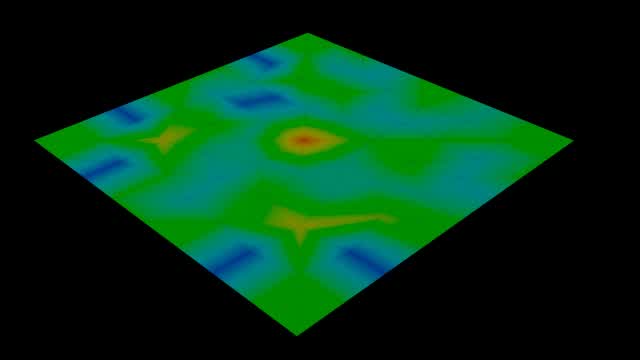
Class Attribute Range Fit
Remap class IDs into a texture index range for multi-ID material variation.
//fit a class attribute to a range, this is useful for a multi-id-material
//set the multitex to random by texture and make the texture a user colour reading the class attribute
//this needs to run on primitives
int tex_count = chi('texture_count');
i@class = rint(fit01(rand(i@class), 0, tex_count-1));
VEX Ambient Occlusion
Compute a point-based ambient occlusion value by sampling hemisphere rays.
// VEX Ambient Occlusion
// Assign initial variables, including P with small surface offset.
vector pos = @P + (@N * pow(10, -6));
int samples = 256; float radius = chf('radius'); float ao;

for(int i = 0; i < samples; i++)
{
    // For each sample, create a random hemispherical direction using N.
    vector2 seed = rand(@ptnum + i);
    vector dir = sample_hemisphere(@N, seed);

    // Export position of directional intersection, limited to radius.
    vector ipos; vector iuvw;
    float isect = intersect(0, pos, dir * radius, ipos, iuvw);

    // If intersection is found, fit ray length into a 1-0 range and
    // add the result to the accumulating variable 'ao'.
    if(isect != -1)
    {
        ao += fit(distance(ipos, pos), 0, radius, 1, 0);
    }
}
// When all samples are iterated over, divide the total ao sum by
// total number of samples, then returning its complement.
f@ao = 1 - (ao / samples);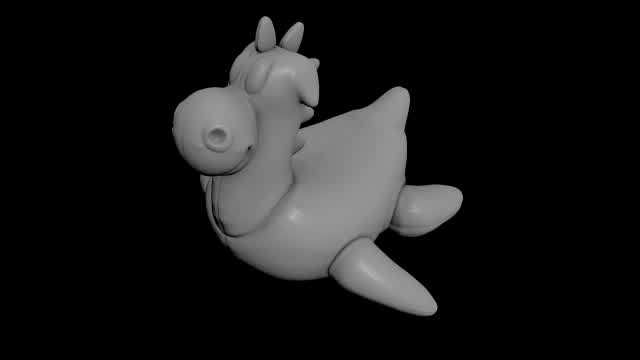
Set Vector Attribute As Color
Mark a vector attribute as color type info for Alembic to Maya workflows.
//setting a vector to a colour type attribute
//this is imprtant for an alembic to maya workflow
v@clr = 0;
setattribtypeinfo ( 0, "point", "clr", "color" );
Euler Style XYZ Rotations
Apply sequential X/Y/Z rotations to orientation vectors via a transform matrix.
// euler style x,y,z rotations in VEX
@N = {0,0,1};
v@up = {0,1,0};
v@out = cross(@up, @N);
matrix3 m = maketransform(@N, @up);

float rotate_x = radians(chf('rotate_x'));
rotate(m, rotate_x, @out);

float rotate_y = radians(chf('rotate_y'));
rotate(m, rotate_y, @up);

float rotate_z = radians(chf('rotate_z'));
rotate(m, rotate_z, @N);
@N = {0,0,1}*m; v@up = {0,1,0}*m; @out = cross(@up, @N);
Attribute Interpolate Source Arrays
Build `sourcepts` and `sourceweights` arrays for Attribute Interpolate workflows.
//creating arrays for use with the attribute interpolate node
int pts[]; float weights[];
push(pts, @ptnum);
float weight = point(0, "mask", @ptnum);
weight = chramp('weight_remap', weight);
push(weights, weight);
i[]@sourcepts = pts;
f[]@sourceweights = weights;
Matrix Box Scaling
Scale geometry around its bounding box center using a matrix transform.
//scaling a box
// create a matrix
matrix m=ident();

float xyratio = ch('xyratio');
scale(m, set(1, xyratio, 1)); //scale matrix

vector center=getbbox_center(0);

v@P-=center; // matrix multiplication works relative to world space, so let's move our box there.
v@P*=m; // apply matrix
v@P+=center; // let's move our box back to where it was
v@Cd=chramp( "color", xyratio);
Match Points By ID Across Inputs
Find matching point IDs on input 1 and snap positions to the matched point.
//match points to second input with same id attribute
if (@id!=-1) {
    int point_num = findattribval(1, "point", "id", @id);
    if(point_num!=-1) {
        vector pos = point(1, "P", point_num);
        @P = pos;
        }
    }
Polyloft In VEX
Bridge corresponding primitive edges across two inputs and build lofted quads.
//polyloft in vex
int pts1[] = primpoints(0, @primnum);
int pts2[] = primpoints(1, @primnum);

for(int i=0; i<len(pts1)-1; i++){
    int pt1_1 = pts1[i];
    int pt1_2 = pts1[i + 1];

    int tpt2_1 = pts2[i];
    int tpt2_2 = pts2[i + 1];

    vector pos2_1 = point(1, "P", tpt2_1);
    vector pos2_2 = point(1, "P", tpt2_2);

    int pt2_1 = addpoint(0, pos2_1);
    int pt2_2 = addpoint(0, pos2_2);

    int prim = addprim(0, "poly", pt1_1, pt1_2, pt2_2, pt2_1);
}

removeprim(0, @primnum, 1);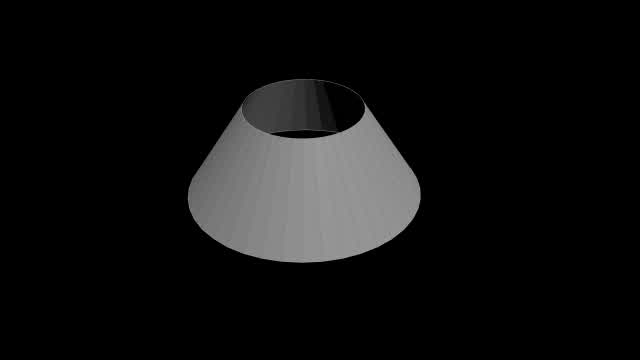
Frame Loop Setup For TimeShift
Loop a chosen frame range after a trigger frame and reference `@frame` in TimeShift.
//loop over set frames after defined frame with a timeshift
//referce @frame in timeshift
int current_frame = chi('frame');
int loop_start = chi('loop_start_frame');
int loop_end = chi('loop_end_frame');
int loop_begin = chi('frame_to_begin_loop');
i@frame = current_frame;
int loop_length = loop_end-loop_start;
int offset = current_frame-loop_start;
int mod = offset%loop_length;
if (current_frame<loop_begin) {
    i@frame = current_frame;
    }
if (current_frame>=loop_begin) {
    i@frame = loop_start+mod;
    }
f@loop_length = loop_length;
f@mod = mod;
Conform To Input Surface
Project points to input 1 using forward and fallback reverse normal ray tests.
// conform geo to second input
int pt; vector ipos; vector iuvw;
pt = intersect(1, @P, @N*10, ipos, iuvw);
if (pt==-1) {
    pt = intersect(1, @P, @N*-10, ipos, iuvw);
    }
@P = ipos;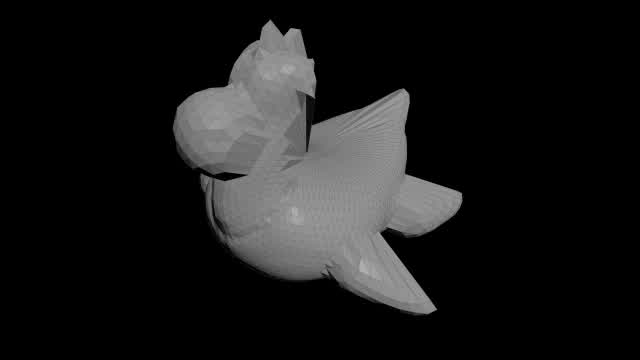
Create Circle In Detail Wrangle
Generate circle points procedurally from sample count, radius, and origin controls.
// Create a circle
// Run on detail mode
int sample = chi("sample");
float radius = ch("radius");
vector origin = chv("origin");
float two_pi = $PI * 2;
float theta = 0;
float step_angle = two_pi/float(sample);
float x,z;
vector pos;
while( theta < two_pi){
    x = origin.x + cos(theta) * radius;
    z = origin.z + sin(theta) * radius;
    pos = set(x, origin.y, z);
    addpoint(0, pos);
    theta += step_angle;
    }